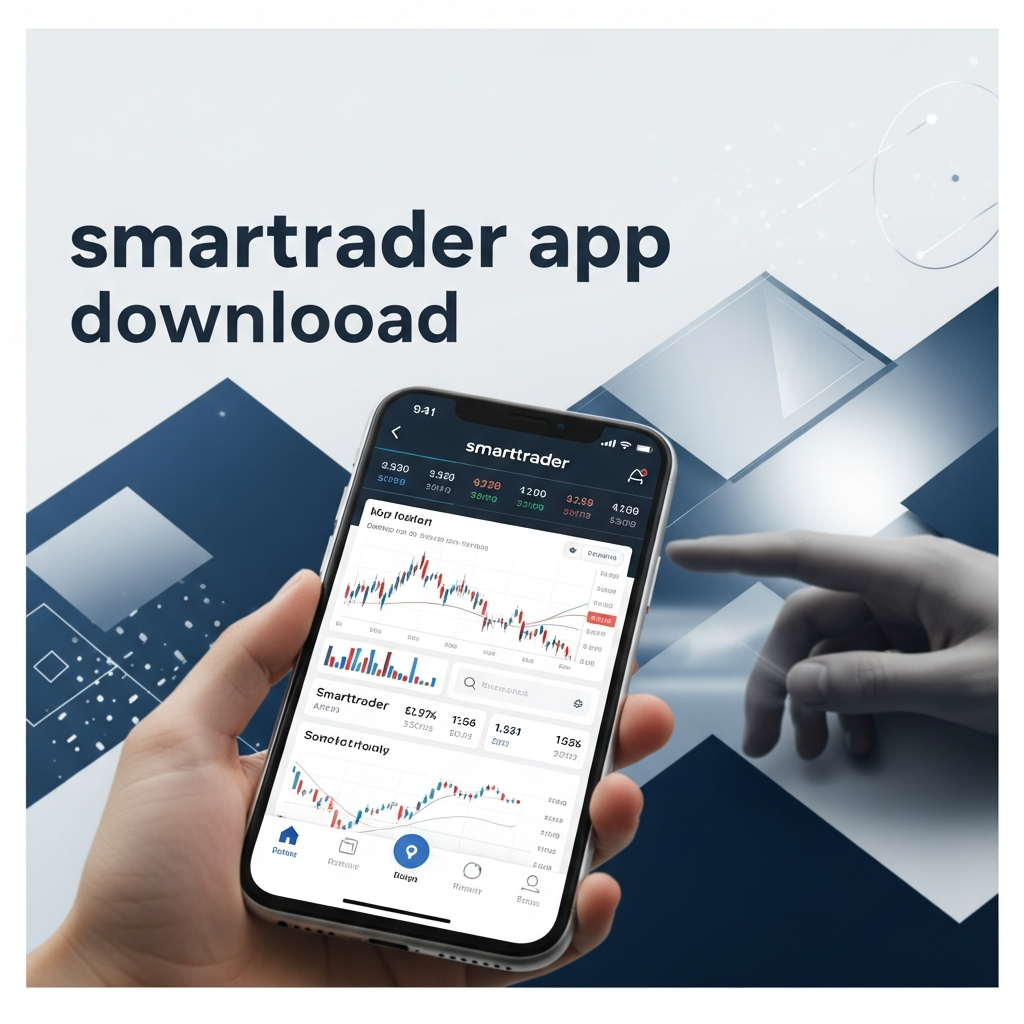
The trading floor used to be a physical room filled with chaotic noise and paper slips; today, the world’s most sophisticated financial markets reside entirely within the silicon chips of your smartphone. In an era where market volatility can create or erase wealth in milliseconds, the ability to monitor, analyze, and execute trades from anywhere is no longer a luxury—it is a baseline requirement for survival. The SmartTrader app represents a bridge between high-level desktop analysis and mobile agility, offering a suite of tools that many professional traders consider indispensable for maintaining their edge in the global markets.
Why the SmartTrader Ecosystem Matters
Mobile trading apps are often criticized for being “lite” versions of their desktop counterparts, stripping away the very tools that traders need for accurate decision-making. SmartTrader disrupts this trend by maintaining a high degree of functional integrity. It isn’t just a ticker-watching tool; it is a full-fledged technical analysis workstation scaled down for a tactile interface.
As a senior consultant in the fintech space, I often see traders struggle with platform fragmentation—using one app for news, another for charts, and a third for execution. SmartTrader solves this by consolidating the workflow. Whether you are analyzing Fibonacci retracements or monitoring RSI divergences, the transition from a 27-inch monitor to a 6-inch screen is surprisingly fluid.
“The best trading platform is the one you have with you when the market moves. SmartTrader ensures that your analytical edge isn’t anchored to your desk.”
Step-by-Step Installation for iOS and Android
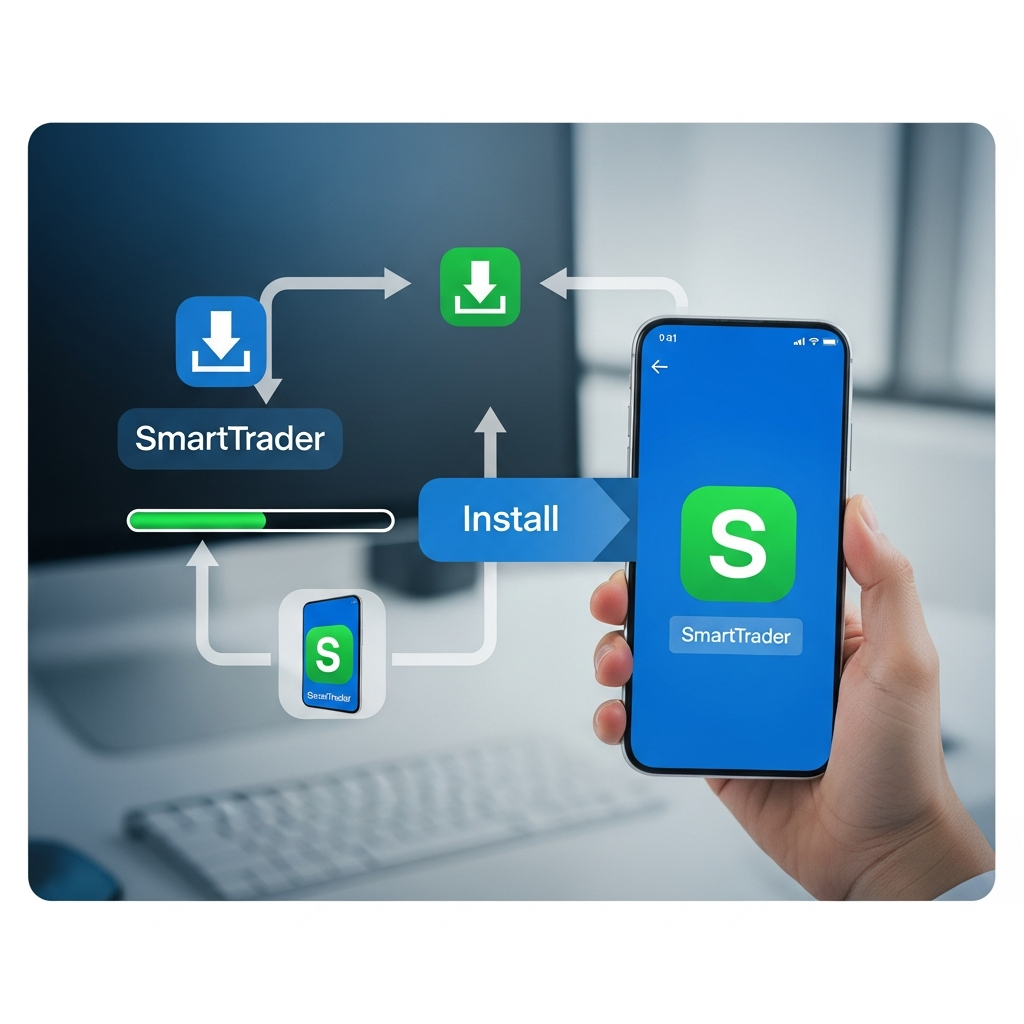
Downloading and setting up the SmartTrader app is a straightforward process, but there are technical nuances to ensure you are getting the official, most secure version of the software.
Android Installation via Google Play
For Android users, the process is centralized. Open the Google Play Store and search for “SmartTrader.” It is vital to verify the developer information to avoid “copycat” apps that may compromise your data. Once you click install, the app will request permissions for notifications (essential for price alerts) and network access.
iOS Installation via App Store
iPhone and iPad users should navigate to the Apple App Store. The iOS version is highly optimized for the Retina display, ensuring that candlesticks and indicators remain crisp even on smaller screens. After the SmartTrader app download is complete, use your existing credentials to log in; your entire workspace will populate automatically.
A Note on APKs and Third-Party Sites
While some advanced users search for SmartTrader APK files to bypass regional restrictions, this is highly discouraged. Downloading software from unofficial repositories exposes you to malware and man-in-the-middle attacks. Always stick to official stores to ensure the integrity of your trading environment.
Core Features: Analysis on the Go
What sets SmartTrader apart during the mobile experience? It’s the depth of the toolkit. Most apps offer basic moving averages; SmartTrader offers a comprehensive library of proprietary and standard indicators.
- SmartTools Integration: Use the SmartPivots and SmartFibonacci tools directly on your touch screen.
- Multi-Timeframe Analysis: Effortlessly toggle between M1 (one minute) and Monthly charts to maintain a top-down perspective of the market.
- Dynamic Drawing Tools: The touch interface allows for surprisingly precise trendline and zone drawing, aided by a magnifying glass feature when placing points.
The ability to set Push Notifications is perhaps the most critical mobile feature. You can set a price alert on your desktop, and while you are away from your computer, your phone will alert you the moment the price hits your zone of interest, allowing you to capitalize on the setup instantly.
The Power of Cloud-Based Syncing
In the world of professional trading, consistency is key. There is nothing more frustrating than spending hours meticulously charting a pair on your desktop, only to find a blank chart when you open your app. SmartTrader utilizes a robust cloud architecture.
Every line you draw, every indicator you customize, and every chart layout you save is stored in the SmartTrader cloud. This means your mobile app is a literal mirror of your desktop workspace. This seamless transition allows for a “continuous analysis” workflow where you can start a trade idea at your desk and manage it from the palm of your hand while commuting or traveling.
Security: Protecting Your Capital
When you download a trading app, you aren’t just downloading a game; you are downloading a portal to your financial accounts. Security must be your primary concern. The SmartTrader app employs high-level encryption for data transmission, but user-end security is equally important.
- Enable Biometric Authentication: Use FaceID or Fingerprint scanning to ensure that even if your phone is lost, your trading account remains inaccessible.
- Two-Factor Authentication (2FA): Always enable 2FA on your main SmartTrader account. This adds a layer of protection that goes beyond just a password.
- Secure Networks: Avoid trading on public Wi-Fi. Use a VPN or your cellular data to prevent local network sniffing.
Optimizing App Performance
To ensure the app runs smoothly, especially during high-volatility events like NFP (Non-Farm Payroll) or Fed announcements, follow these optimization tips:
First, regularly clear the app cache within your phone settings to prevent the buildup of temporary data that can slow down chart rendering. Second, limit the number of active indicators on a single chart. While the app is powerful, rendering twenty overlays simultaneously can tax the processor of older mobile devices.
Lastly, ensure you are always running the latest version. Developers frequently release patches that optimize data stream efficiency, meaning a newer version of the app will actually use less battery and data than an outdated one.
SmartTrader vs. Competitors
To help you understand where SmartTrader fits in the landscape, let’s compare it to other popular mobile trading solutions.
| Feature | SmartTrader App | Standard Broker App | Basic Charting Apps |
|---|---|---|---|
| Cloud Sync | Full Desktop Sync | Limited | Rarely |
| Proprietary Tools | Yes (SmartTools) | No | No |
| Execution Speed | High (Direct Bridge) | High | N/A (Analysis Only) |
| User Interface | Pro-Analyst Focused | Generalist | Beginner Friendly |
Frequently Asked Questions
Is the SmartTrader app free to download?
Yes, the SmartTrader app is free to download from the official Google Play Store and Apple App Store. However, access to advanced proprietary indicators and specific data feeds may require a premium subscription.
Does SmartTrader sync between desktop and mobile?
Absolutely. One of the platform’s core strengths is its cloud-based architecture, which ensures that all your chart layouts, trendlines, and alerts are synced in real-time across all devices.
Can I trade directly from the SmartTrader mobile app?
Yes, SmartTrader integrates with various brokerage accounts, allowing you to execute trades, manage positions, and set stop-losses directly through the mobile interface.
Which operating systems are supported?
The app is compatible with Android (versions 8.0 and up) and iOS (current and previous major versions), including dedicated layouts for iPad users.
How do I update the SmartTrader app?
Updates are handled through your device’s app store. It is recommended to enable “Auto-Updates” to ensure you always have the latest security patches and feature enhancements.
In summary, the SmartTrader app download is the first step toward a more flexible and responsive trading career. By bringing professional-grade charting, real-time cloud synchronization, and robust security to your mobile device, it empowers you to stay connected to the global markets without being tethered to a desk. Whether you are a swing trader checking charts on your lunch break or a day trader needing to manage positions on the move, SmartTrader provides the infrastructure necessary for modern financial success.