In the fast-paced world of digital finance, the efficiency of your tools often dictates your profit margins. For binary options traders, the transition from MetaTrader 4 to MetaTrader 5 (MT5) has opened a new realm of technical analysis possibilities. MetaTrader 5 binary options signals represent the pinnacle of algorithmic trading aids, offering precision, speed, and advanced multi-threaded processing that previous platforms lacked. Whether you are a novice looking for a reliable entry point or a veteran seeking to automate your workflow, understanding how to leverage MT5 signals is essential.
What are MetaTrader 5 Binary Options Signals?
MetaTrader 5 binary options signals are technical indicators or automated alerts that suggest specific entry and exit points for binary trades. Unlike traditional forex trading where you manage stop-losses and take-profits, binary options are predicated on a simple premise: will the price be higher or lower than the current price at a specific expiration time?
MT5 signals utilize complex mathematical formulas and price action patterns to predict these short-term movements. These signals are often delivered as visual cues on the chart (arrows), sound alerts, or push notifications to your mobile device. Because MT5 uses the MQL5 programming language, these signals are significantly faster and more capable of handling large data sets compared to the older MQL4 language used in MetaTrader 4.
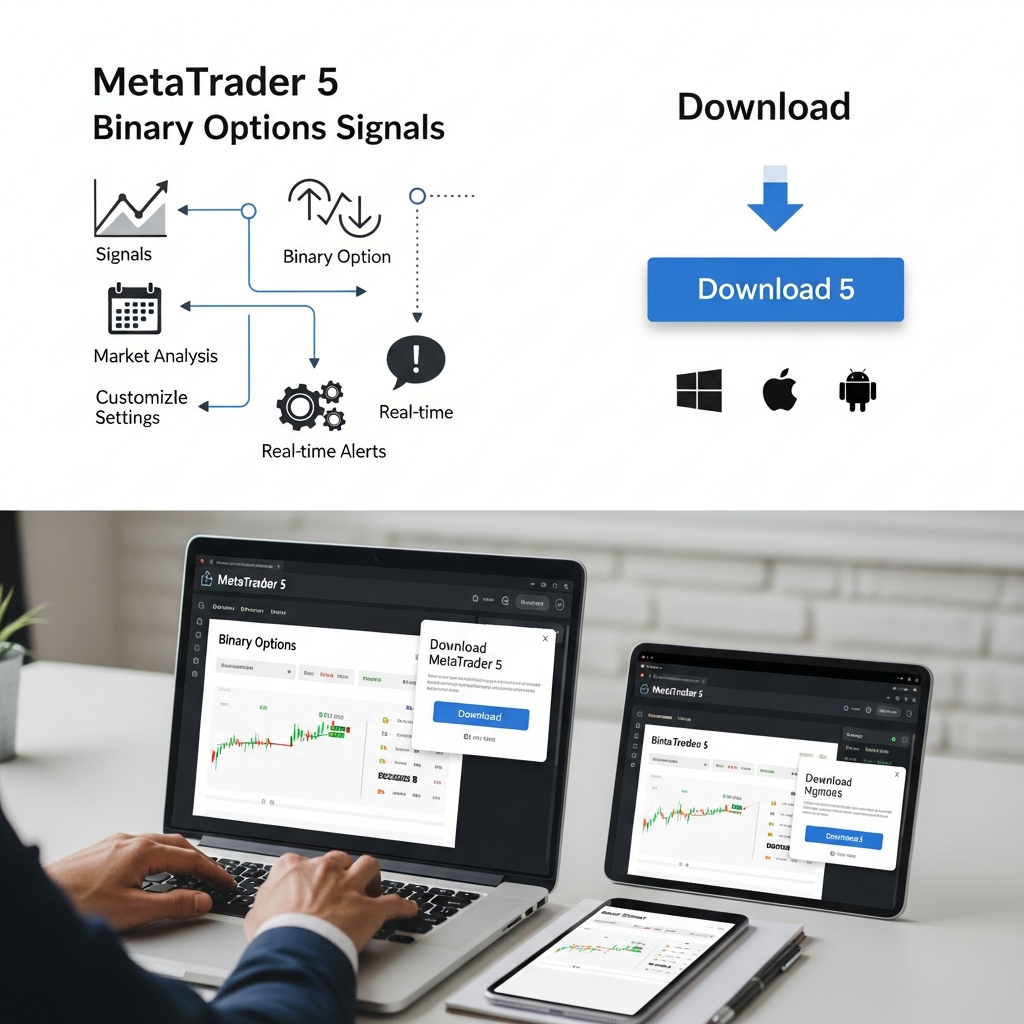
Benefits of Using MT5 for Binary Options
While MT4 remains popular, MT5 offers distinct advantages specifically for binary options traders who rely on precision timing. The platform is designed for multi-asset trading, meaning it handles the high volatility of binary markets with greater stability.
Advanced Multi-threaded Processing
Binary options often involve 1-minute or 5-minute expirations. In these timeframes, a delay of even a few milliseconds in signal generation can be the difference between a ‘In The Money’ (ITM) and an ‘Out of The Money’ (OTM) result. MT5’s multi-threaded architecture ensures that custom indicators do not freeze the platform during heavy market volatility.
Enhanced Depth of Market (DOM)
MT5 provides a deeper look into market liquidity. For binary options traders, this helps in understanding where the ‘big money’ is placing bets, allowing for signals that are more aligned with institutional movements rather than just retail noise.
Types of Binary Options Signals for MT5
When searching for the right signal to download, you will generally encounter three categories:
1. Manual Visual Indicators
These are the most common. When certain conditions are met (e.g., RSI is oversold and price touches a Bollinger Band), an arrow appears on the MT5 chart. The trader then manually places the trade on their broker’s platform.
2. Copy Trading Signals
MT5 has a built-in ‘Signals’ tab that allows you to copy the trades of professional traders directly. If a professional trader takes a binary position, your account will automatically mimic that action. This is ideal for those who do not have time to analyze charts themselves.
3. Expert Advisors (EAs) and Bots
These are fully automated scripts. They monitor the market 24/7 and execute trades via an API bridge to your binary options broker. While complex to set up, they remove the emotional element of trading, which is the leading cause of loss in binary options.
How to Download and Install MT5 Signals
The download industry for trading tools is vast. To ensure you are downloading safe and effective signals, follow these steps:
Step 1: Sourcing Reliable Files
Always prioritize the official MQL5 Market or reputable developer websites. Look for files with the .ex5 extension (compiled) or .mq5 extension (source code). Avoid downloading executable .exe files from unknown forums, as these can contain malware.
Step 2: The Installation Process
- Open your MetaTrader 5 terminal.
- Click on File in the top menu and select Open Data Folder.
- Navigate to
MQL5 > Indicators. - Drag and drop your downloaded signal file into this folder.
- Restart MT5 or right-click ‘Indicators’ in the Navigator panel and select ‘Refresh’.

Optimizing Signal Accuracy and Performance
Simply downloading a signal is not enough. You must optimize it for the specific asset class you are trading, whether it be Currencies, Commodities, or Synthetic Indices.
The Importance of Backtesting
MT5 features a powerful Strategy Tester. Before using a signal on a live account, run it through historical data. Check the “Win Rate.” In binary options, because of the payout structure (usually 70% to 90%), you generally need a win rate higher than 57% just to break even.
Filtering for High-Impact News
Most binary options signals fail during major economic announcements (like the NFP or Interest Rate decisions). Use an economic calendar alongside your MT5 signals to avoid trading 30 minutes before and after high-impact news. Many premium MT5 signal downloads now come with a built-in “News Filter” that automatically disables signals during these volatile periods.
Risk Management in Binary Trading
No signal is 100% accurate. The “Holy Grail” of trading does not exist. Therefore, risk management is your only true protection. Most successful binary options traders never risk more than 1% to 2% of their total balance on a single trade.
Furthermore, consider the time of day. Signals often perform differently during the London/New York overlap compared to the quieter Asian session. Test your MT5 signals across different sessions to find the “Sweet Spot” where the strategy yields the highest accuracy.
Conclusion
MetaTrader 5 binary options signals are a transformative tool for modern traders. By combining the technical depth of the MT5 platform with high-quality indicators, you can significantly increase your chances of success in the binary market. Remember to vet your download sources, backtest every strategy, and maintain strict emotional discipline. With the right setup, MT5 becomes more than just a platform; it becomes a comprehensive command center for your financial growth.
Frequently Asked Questions
Find answers to the most common questions regarding MetaTrader 5 binary options signals below.