Introduction: Why SmartTrader Remains a Favorite for Deriv Traders
In the rapidly evolving world of online trading, complexity often overshadows efficiency. However, for those trading with Deriv, one platform has stood the test of time: SmartTrader. While newer platforms like DTrader and Deriv MT5 offer modern interfaces and advanced CFD capabilities, SmartTrader remains the go-to choice for traders who value simplicity, precision in digital options, and a legacy interface that ‘just works.’
This comprehensive SmartTrader Deriv tutorial is designed to take you from a complete novice to a confident trader. We will explore every nook and cranny of the platform, from setting up your first account to executing complex contract types that can help you capitalize on market volatility. Whether you are interested in forex, synthetic indices, or commodities, understanding SmartTrader is a fundamental skill for any Deriv user.
Table of Contents
- Getting Started: Creating Your Deriv Account
- Navigating the SmartTrader Interface
- Understanding Contract Types: Rise/Fall to Digits
- Step-by-Step: Placing Your First Trade
- Using Charts and Technical Analysis Tools
- Effective Strategies for SmartTrader
- Risk Management and Capital Preservation
- Frequently Asked Questions (FAQ)
- Conclusion
Getting Started: Creating Your Deriv Account
Before you can harness the power of SmartTrader, you need a centralized Deriv account. Deriv operates on a ‘one-account’ system, meaning your login credentials work across SmartTrader, DTrader, DBot, and the Deriv GO app.
- Visit the Official Website: Go to Deriv.com and click on the ‘Create free demo account’ button.
- Email Verification: Enter your email address and verify it through the link sent to your inbox.
- Set Your Password: Choose a strong password and select your country of residence.
- Switching to SmartTrader: Once logged in, navigate to the platform switcher (usually at the top left) and select SmartTrader from the list of available platforms.
Pro Tip: Always start with a Demo account. Deriv provides $10,000 in virtual funds, allowing you to master the SmartTrader interface without risking real capital.
Navigating the SmartTrader Interface
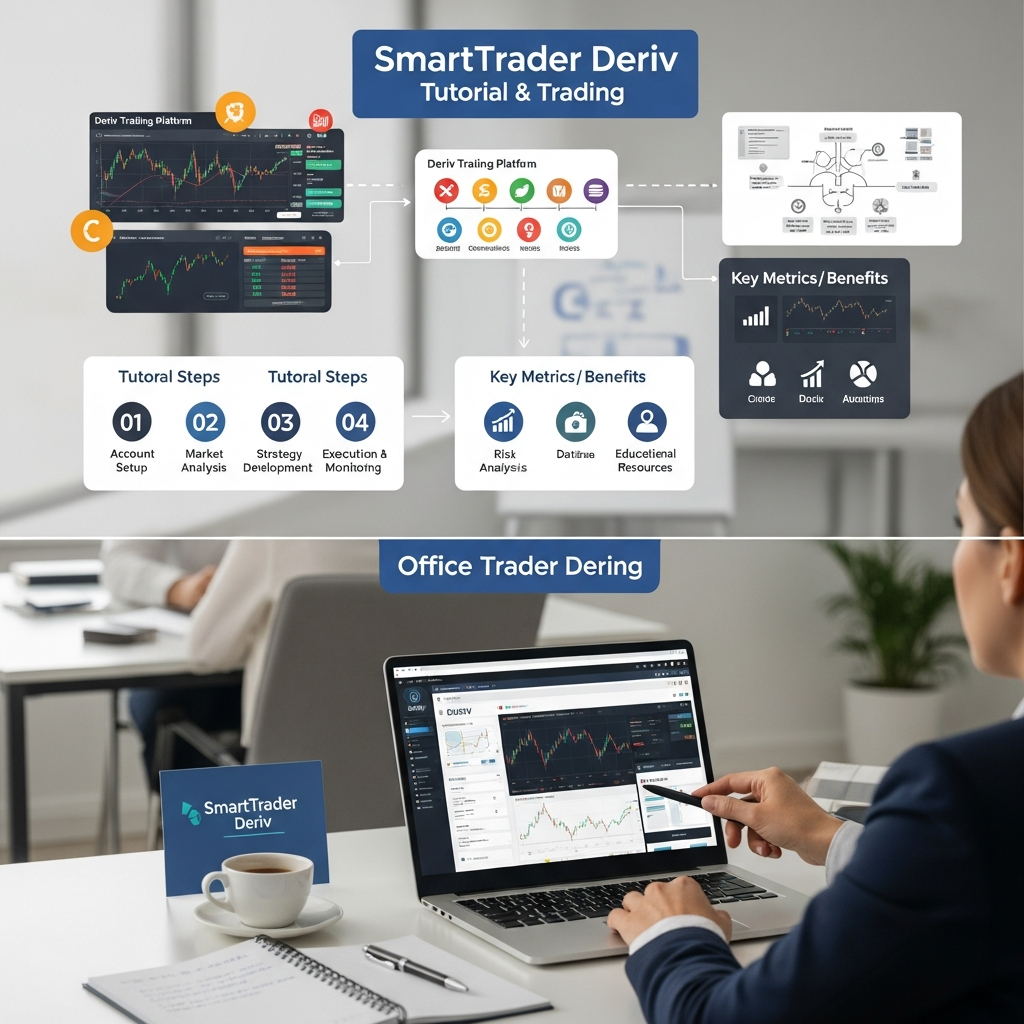
The SmartTrader interface is functional and straightforward. Unlike the dark-themed, sleek design of DTrader, SmartTrader uses a classic layout that prioritizes clear data entry and fast execution.
The Asset Selector
At the top left of the trading window, you will find the asset selector. Deriv offers a wide range of markets including:
- Derived Indices: Volatility Indices, Crash/Boom, and Step Indices (Available 24/7).
- Forex: Major, minor, and exotic currency pairs.
- Stock Indices: Global benchmarks like the S&P 500 and FTSE 100.
- Commodities: Gold, Silver, and Oil.
The Contract Menu
Directly below the asset selector is the contract type menu. This is the heart of SmartTrader. Here, you decide how you want to trade—predicting price direction, price boundaries, or even specific digits of the price.
Understanding Contract Types: Rise/Fall to Digits
One of the reasons SmartTrader is so popular is the sheer variety of contracts available. Let’s break down the most common ones you will encounter in this SmartTrader Deriv tutorial.
| Contract Category | How it Works | Best For |
|---|---|---|
| Up/Down (Rise/Fall) | Predict if the exit spot will be higher or lower than the entry spot. | Trend following. |
| Touch/No Touch | Predict if the price will touch a specific target (barrier) during the duration. | High volatility or range-bound markets. |
| Digits | Predict the last digit of the price (Matches/Differs, Over/Under). | Short-term, high-frequency trading. |
| In/Out | Predict if the price will stay inside or go outside two price barriers. | Consolidating markets. |
Rise/Fall
The most basic contract. If you select ‘Rise’, you win if the price at the end of the duration is even a fraction higher than your entry price. This is ideal for beginners.
Matches/Differs (Digits)
This is a purely mathematical trade often used on Synthetic Indices. You predict what the last digit of the price will be after a certain number of ticks. ‘Differs’ has a high probability of winning but offers lower returns, while ‘Matches’ offers high payouts (often 9x) but is harder to predict.
Step-by-Step: Placing Your First Trade
Follow these steps to execute a trade on SmartTrader successfully:
- Select Market: Choose ‘Volatility 100 Index’ from the Derived Indices menu.
- Choose Trade Type: Select ‘Rise/Fall’.
- Set Duration: You can choose Ticks (5 to 10), Seconds, Minutes, or even Days. For this example, select ‘5 Ticks’.
- Enter Stake: Decide how much you want to risk (e.g., $10). SmartTrader will instantly show you the ‘Payout’ you will receive if you win.
- Analyze the Chart: Look at the mini-chart provided or open the full chart window to see current price action.
- Purchase: Click the ‘Purchase’ button for the direction you predict.
Once purchased, a window will pop up showing the live progress of your trade. You will see the ticks moving in real-time until the contract expires.

Using Charts and Technical Analysis Tools
SmartTrader features a robust charting engine (powered by TradingView technology). To access it, click on the ‘Chart’ tab above the trading interface. You can apply various indicators to help your decision-making:
- Relative Strength Index (RSI): Helps identify overbought or oversold conditions.
- Moving Averages (EMA/SMA): Great for determining the overall trend direction.
- Bollinger Bands: Useful for Touch/No Touch strategies to see price volatility.
By combining technical indicators with the fast execution of SmartTrader, you can increase your ‘In The Money’ (ITM) rate significantly.
Effective Strategies for SmartTrader
While no strategy guarantees a 100% win rate, these approaches are popular among SmartTrader experts:
The RSI Reversal Strategy
Use the RSI indicator on a 1-minute chart. When the RSI crosses above 70, look for a ‘Fall’ contract with a 2-5 minute duration. Conversely, when RSI drops below 30, consider a ‘Rise’ contract. This captures short-term market corrections.
The ‘Digit Differs’ Consistency Strategy
Many traders use the ‘Digit Differs’ contract on Volatility Indices. By selecting a digit that hasn’t appeared recently (using the digit stats tool), and selecting ‘Differs’, you have a 90% statistical chance of winning each trade. However, remember that one loss can wipe out several wins, so use strict money management.
Risk Management and Capital Preservation
Trading is inherently risky. To survive in the long run, follow these golden rules:
- The 2% Rule: Never risk more than 2% of your total account balance on a single trade.
- Avoid Martingale: Doubling your stake after a loss is a common trap on SmartTrader. It can lead to a ‘blown’ account very quickly.
- Set a Daily Goal: Once you reach a 5% profit for the day, stop trading. Greed is the biggest enemy of a successful trader.
- Use Stop-Losses: While digital options have built-in risk (you only lose your stake), if you are trading other instruments on Deriv, always set a hard stop-loss.
Frequently Asked Questions (FAQ)
Is SmartTrader better than DTrader?
It depends on your preference. SmartTrader is better for those who prefer a classic, fast-loading interface and specific digital option types that might feel ‘cluttered’ on the modern DTrader interface.
What is the minimum deposit for SmartTrader?
The minimum deposit depends on your payment method, but it usually starts as low as $5 to $10. This makes it very accessible for beginners.
Can I use SmartTrader on my mobile phone?
Yes, SmartTrader is web-based and fully responsive. You can access it via any mobile browser, though many traders prefer the ‘Deriv GO’ app or DTrader for a more mobile-native experience.
Are Synthetic Indices on SmartTrader rigged?
No. Deriv’s Synthetic Indices are generated by a cryptographically secure random number generator that is audited by third parties to ensure fairness and transparency.
Conclusion
SmartTrader remains a cornerstone of the Deriv ecosystem for a reason. Its simplicity, combined with the power of diverse contract types and 24/7 market availability, makes it a formidable tool for any retail trader. By following this SmartTrader Deriv tutorial, practicing on your demo account, and applying disciplined risk management, you are well on your way to mastering the art of digital options trading.
Remember, trading success isn’t about finding a ‘holy grail’ indicator; it’s about consistency, emotional control, and understanding the platform you use. Spend time exploring the different markets, find a contract type that suits your style, and always keep learning.