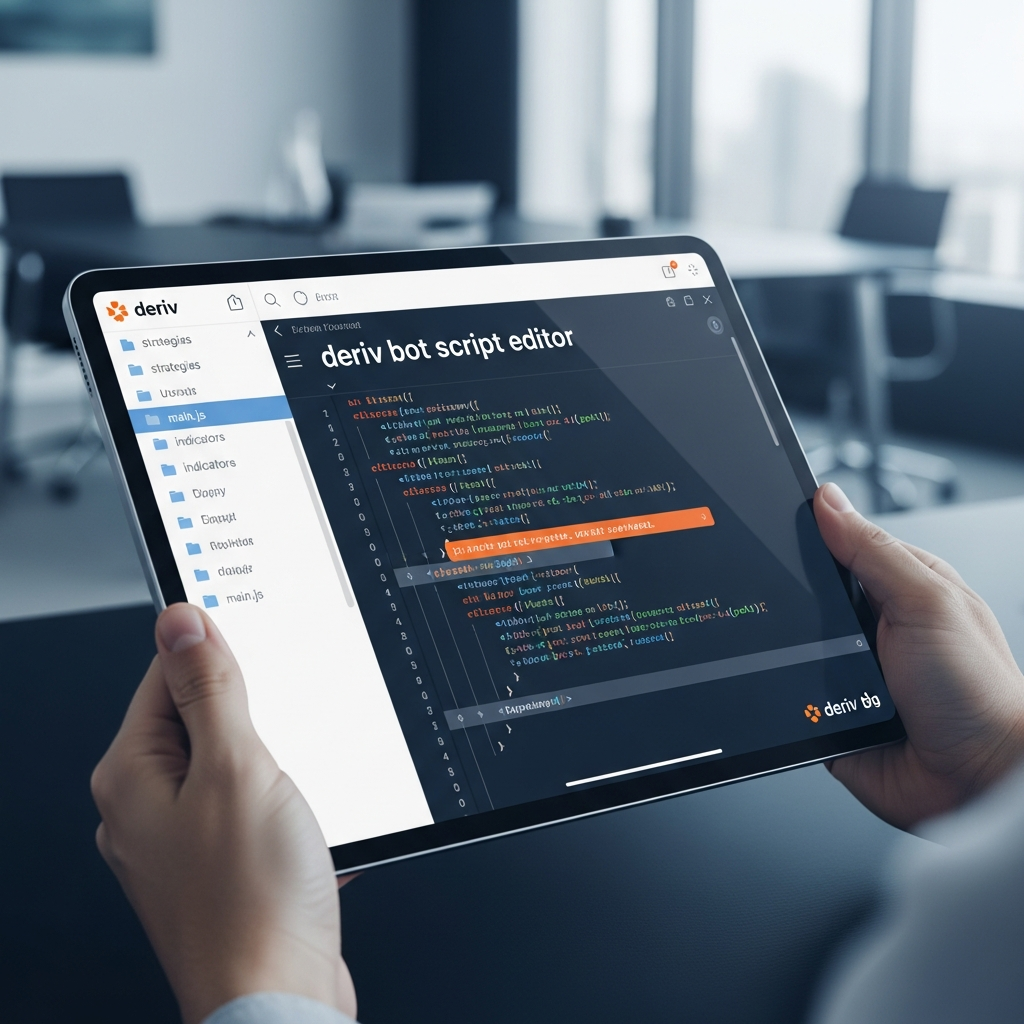
Mastering the Deriv Bot Script Editor: The Ultimate Guide to Automated Trading
In the fast-paced world of online trading, speed and consistency are often the differentiators between success and failure. As manual trading becomes increasingly susceptible to human emotion and fatigue, traders are turning to automation. The Deriv Bot script editor (formerly associated with Binary Bot and now evolving into DBot) stands as one of the most accessible yet powerful tools for retail traders to build their own algorithmic trading systems.
This guide provides a deep dive into the Deriv Bot script editor, exploring how you can leverage its block-based interface to create sophisticated trading bots without needing extensive knowledge of traditional coding languages like Python or C++.
What is the Deriv Bot Script Editor?
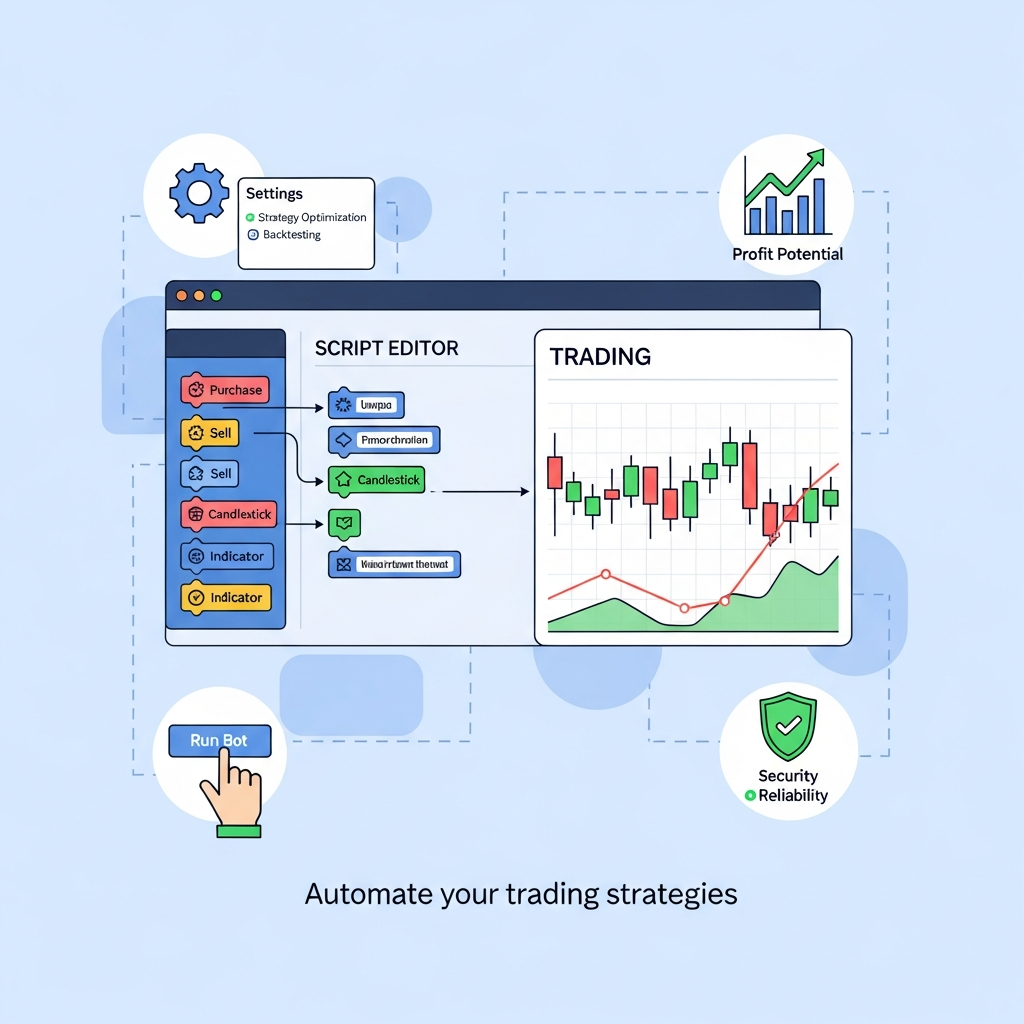
The Deriv Bot script editor is a visual programming environment provided by Deriv (one of the world’s leading brokerage platforms). It allows users to create automated trading strategies using a ‘drag-and-drop’ block interface. Based on Google’s Blockly framework, the editor enables you to construct logic strings that dictate when a trade should be opened, how much should be staked, and when the bot should stop to protect your capital.
Whether you are interested in Synthetic Indices, Forex, or Commodities, the script editor provides the workspace to translate a manual strategy into a 24/7 automated execution engine.
The Evolution: From Binary Bot to DBot
It is important to distinguish between the legacy Binary Bot and the modern DBot. While both use similar block-based logic, DBot is the newer, more streamlined interface integrated directly into the Deriv ecosystem. However, many advanced traders still prefer the legacy script editor for its granular control over XML files. Most scripts created in the legacy editor can be imported into the new DBot environment, making the script editor a versatile tool for long-term strategy development.
Getting Started with the Editor Interface
When you first open the Deriv Bot script editor, you are greeted with a workspace divided into several key areas. Understanding these is vital before you drag your first block.
- The Canvas: This is the large open area where you assemble your logic blocks.
- The Block Menu: Located on the left, this contains categories such as Logic, Math, Text, Variables, and specific ‘Trade’ blocks unique to Deriv.
- The Dashboard: Where you see your bot’s performance, total profit/loss, and trade history once the script is running.
- Import/Export: The ability to save your work as an .xml file or load existing scripts shared by the community.
Core Components of a Trading Script
To build a functioning bot, your script must address four fundamental stages of a trade cycle. The editor organizes these into distinct, color-coded blocks:
1. Trade Parameters (The Setup)
This is where you define the ‘Environment’. You must specify the Market (e.g., Volatility 100 Index), the Trade Type (e.g., Rise/Fall), and the Contract Duration (e.g., 5 ticks or 1 minute). This block acts as the foundation of your entire script.
2. Purchase Logic (The Entry)
This is the ‘Brain’ of the bot. Here, you use logic blocks (If/Else) combined with technical indicators (RSI, Moving Averages, Bollinger Bands) to decide exactly when to click ‘Buy’. For example: “IF the RSI is below 30, THEN purchase a Rise contract.”
3. Sell Logic (The Exit)
While many Deriv contracts expire automatically, the script editor allows for ‘Sell at Market’ functions for certain trade types. This is useful for strategies where you want to cut losses early if the market moves against you before the expiration time is reached.
4. Trade Results (The Risk Management)
This is the most critical part of any automated script. This block executes after a trade is completed. It analyzes whether the trade was a ‘Win’ or a ‘Loss’ and determines the stake for the next trade. This is where you implement systems like Martingale, D’Alembert, or flat-stake management.

Building Your First Script: A Step-by-Step Example
Let’s walk through the creation of a simple ‘RSI Reversal’ bot to illustrate how the editor works.
Step 1: Setting the Parameters
Drag the ‘Trade Parameters’ block onto the canvas. Set the market to ‘Synthetic Indices’ -> ‘Volatility 10 Index’. Set the trade type to ‘Rise/Fall’ and the stake to ‘1 USD’.
Step 2: Defining the Indicator
Go to the ‘Indicators’ menu. Select ‘RSI’. You will need to define the period (usually 14) and the candle interval (e.g., 1 minute). Create a variable named ‘currentRSI’ and set it to the value of the RSI indicator.
Step 3: Creating the Purchase Condition
Use a ‘Logic’ block. Create a statement: IF ‘currentRSI’ < 30. Inside this ‘IF’ statement, place the ‘Purchase: Rise’ block. This tells the bot to wait until the asset is oversold before entering a trade.
Step 4: Managing the Outcome
In the ‘After Purchase’ block, you want the bot to restart. However, to be safe, you should add a ‘Stop Loss’. Create a variable ‘Total Profit’. Use a logic block: IF ‘Total Profit’ < -50, THEN 'Stop Trading'. This ensures that if the bot loses $50, it will shut down automatically, preventing a total account wipe.
Advanced Features of the Deriv Bot Script Editor
Once you are comfortable with basic logic, the editor offers advanced features for professional-grade automation.
XML Script Customization
Every bot you build is essentially an XML file. Experienced users often open these XML files in text editors to perform ‘bulk edits’ or to integrate custom API calls. This allows for a level of precision that the visual interface sometimes lacks.
Backtesting and Virtual Audits
The editor allows you to run your scripts on a ‘Demo Account’ with virtual funds. This is a crucial step. A script might look perfect in theory, but market volatility can reveal flaws in your logic. It is recommended to run a new script for at least 100-200 trades in a virtual environment before even considering a real-money stake.
The Use of ‘Tick’ Analysis
Deriv is famous for its tick-based trading. The script editor allows you to analyze individual tick movements (the smallest price changes). You can build bots that look for ‘patterns’ in the last 5 ticks—for example, if 4 out of 5 ticks were ‘Up’, the bot could predict a ‘Down’ correction.
Risk Management and Common Pitfalls
Automated trading is not a ‘get rich quick’ scheme. The Deriv Bot script editor is a tool, and like any tool, it can be dangerous if misused.
- The Martingale Trap: Many beginners build scripts that double the stake after every loss. While this can recover losses quickly, a long losing streak (which will happen) can empty an account in minutes. Always set a maximum stake limit.
- Over-Optimization: Don’t create a script that is too specific to past data. If your bot only works on the ‘Volatility 100 Index on a Tuesday afternoon’, it will likely fail when market conditions change.
- Ignoring Latency: Scripts run on your browser or the Deriv servers. High-frequency scripts that rely on millisecond timing can sometimes fail due to internet lag.
Conclusion: Why Use the Deriv Bot Script Editor?
The Deriv Bot script editor democratizes algorithmic trading. It removes the barrier of learning complex coding languages and allows traders to focus on what matters: strategy and logic. By mastering the blocks, variables, and indicators within this environment, you can remove the emotional burden of trading and execute your plan with mechanical precision.
As you progress, remember that the best scripts are often the simplest. Start with basic logic, prioritize capital preservation through strict risk management blocks, and always test thoroughly. The world of automated trading is now at your fingertips—all you have to do is start snapping the blocks together.
Final Tips for Success
- Join the Community: There are many forums and Telegram groups where traders share .xml files for the Deriv Bot. Study these scripts to see how experienced developers handle complex logic.
- Keep it Clean: Use the ‘Collapse Blocks’ feature to keep your workspace organized. A messy script is harder to debug.
- Stay Updated: Deriv frequently updates their API and block library. Ensure your scripts are compatible with the latest version of DBot to avoid execution errors.