The Power of MT4 Binary Options Indicators in Modern Trading
In the fast-paced world of binary options, timing is everything. Unlike traditional forex trading where you can manage a position over days, binary options require precision within minutes or even seconds. This is where the MT4 binary options indicator becomes an indispensable tool for traders. MetaTrader 4 (MT4), while originally designed for the forex market, has evolved into the primary analytical engine for binary options enthusiasts worldwide.
The reason for this dominance is simple: flexibility. While web-based platforms offered by binary brokers are user-friendly, they often lack the depth of technical analysis required to gain a statistical edge. By utilizing custom indicators on MT4, traders can identify high-probability setups, filter out market noise, and execute trades with significantly higher confidence.
What is an MT4 Binary Options Indicator?
An MT4 binary options indicator is a technical tool—often a script written in the MQL4 programming language—that analyzes price action data to provide visual cues. These cues typically appear as arrows, color-coded zones, or oscillator lines that suggest whether the price is likely to go up (Call) or down (Put) within a specific timeframe.
The core advantage of using MT4 is the ability to use ‘custom’ indicators. These are not just the standard Moving Averages or RSI that come pre-installed. These are proprietary algorithms developed by expert traders to specifically target the unique volatility of the binary options market. Whether you are looking for a reversal, a breakout, or a trend-continuation signal, there is an MT4 indicator tailored for that purpose.
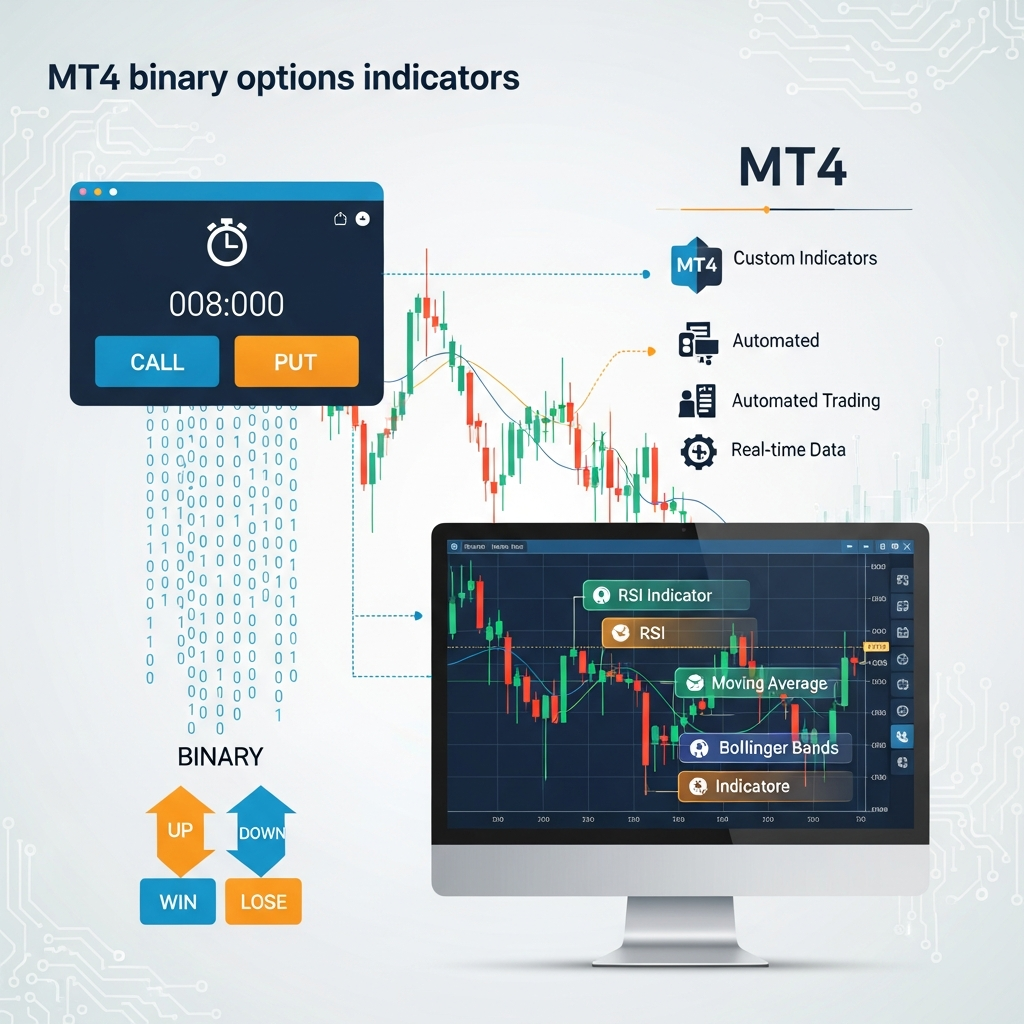
Top Types of MT4 Binary Options Indicators
Understanding the different categories of indicators is essential for building a robust trading system. Most successful traders do not rely on just one; they use a combination of different types to confirm their signals.
1. Trend-Following Indicators
These indicators help you identify the primary direction of the market. In binary options, ‘trading with the trend’ is often safer than trying to pick tops and bottoms. Popular trend tools include the 200-period Exponential Moving Average (EMA) and the Parabolic SAR. When the price is above the EMA, traders look only for ‘Call’ opportunities.
2. Oscillators for Overbought/Oversold Conditions
Oscillators like the Relative Strength Index (RSI) and the Stochastic Oscillator are vital for identifying reversal points. In binary options, these are frequently used on the 1-minute or 5-minute charts to find moments where the market is ‘stretched’ and likely to snap back.
3. Signal Arrows (Non-Repainting)
Perhaps the most sought-after tool is the ‘Arrow’ indicator. These provide a simple visual signal: a green arrow pointing up for a Call, and a red arrow pointing down for a Put. However, it is critical to use non-repainting indicators. A repainting indicator might show a winning signal in the past that wasn’t actually there in real-time, leading to a false sense of security.
How to Install Custom Indicators on MT4
Using a custom MT4 binary options indicator requires a few manual steps. Follow this guide to get your workspace ready:
- Download the Indicator: Most custom indicators come as .ex4 or .mq4 files.
- Open MetaTrader 4: Navigate to the ‘File’ menu in the top left corner.
- Open Data Folder: Click on ‘Open Data Folder.’ This will open a window on your computer containing your MT4 configuration files.
- Navigate to Indicators: Go to the MQL4 folder, then open the ‘Indicators’ subfolder.
- Paste the File: Copy your downloaded indicator file and paste it into this folder.
- Restart or Refresh: Go back to MT4, right-click on ‘Indicators’ in the Navigator panel, and click ‘Refresh.’ Your new indicator will now appear in the list.
- Apply to Chart: Simply drag and drop the indicator onto your desired currency pair chart.

Developing a Winning Strategy with MT4 Tools
Simply having an indicator isn’t enough; you need a systematic approach. One of the most effective strategies involves ‘Confluence.’ This means you only take a trade when two or three different indicators agree on the direction.
The 5-Minute Confluence Strategy
This is a popular strategy for retail traders using an MT4 binary options indicator. It relies on the 5-minute chart for a balance between speed and reliability.
- Step 1: Identify the trend using a 50-period EMA.
- Step 2: Wait for the price to touch a Bollinger Band boundary.
- Step 3: Confirm with an RSI reading above 70 (for Puts) or below 30 (for Calls).
- Step 4: Wait for a custom Arrow indicator to confirm the reversal.
By requiring all these conditions to be met, you filter out ‘fakeouts’—moments where the price looks like it’s turning but continues in the same direction. This discipline is what separates profitable traders from gamblers.
Risk Management and Psychological Discipline
No MT4 binary options indicator is 100% accurate. Even the best algorithms will face ‘losing streaks’ during high-impact news events or periods of extreme market consolidation. Therefore, risk management is the most important component of your trading plan.
Experts recommend never risking more than 1% to 2% of your total account balance on a single trade. Many beginners fall into the trap of the ‘Martingale’ strategy (doubling the investment after a loss). While this can work in the short term, a single long losing streak can wipe out an entire account. Instead, focus on a high win rate and consistent stake sizes.
Furthermore, psychological discipline is paramount. When using an indicator, trust the data. Do not jump into a trade because you ‘feel’ the market is going up if your indicators haven’t signaled yet. Similarly, if an indicator gives a signal but the market conditions (like a major NFP report) are too volatile, it is often better to stay on the sidelines.
Frequently Asked Questions
Can I use MT4 indicators on my mobile phone?
While the MT4 mobile app allows for some basic indicators like Moving Averages, it does not support custom .ex4 or .mq4 files. To use advanced MT4 binary options indicators, you must use the desktop version of the software.
Why did my indicator signal disappear?
If a signal disappears after the candle closes, the indicator is ‘repainting.’ This is generally considered a negative trait for binary options indicators because it makes historical testing impossible. Always look for ‘non-repainting’ versions.
What is the best timeframe for binary options indicators?
The most common timeframes are the 1-minute (M1) and 5-minute (M5) charts. M1 is higher risk with more ‘noise,’ while M5 tends to provide more stable signals for 15-minute expiry times.
Do I need a paid indicator to be successful?
Not necessarily. Many free indicators, when used correctly in a strategy, are just as effective as paid ones. The ‘value’ of a paid indicator usually lies in the developer’s support and the refinement of the alert system.
Conclusion
An MT4 binary options indicator is a powerful ally in the quest for market profitability. It transforms raw price data into actionable insights, allowing you to make decisions based on logic rather than emotion. By choosing the right tools, understanding their limitations, and maintaining strict risk management, you can significantly improve your performance in the binary options arena. Remember, the indicator provides the signal, but you provide the discipline.